Take control of your finances with advanced budgeting, AI insights, and real-time analytics. Download the desktop application today.
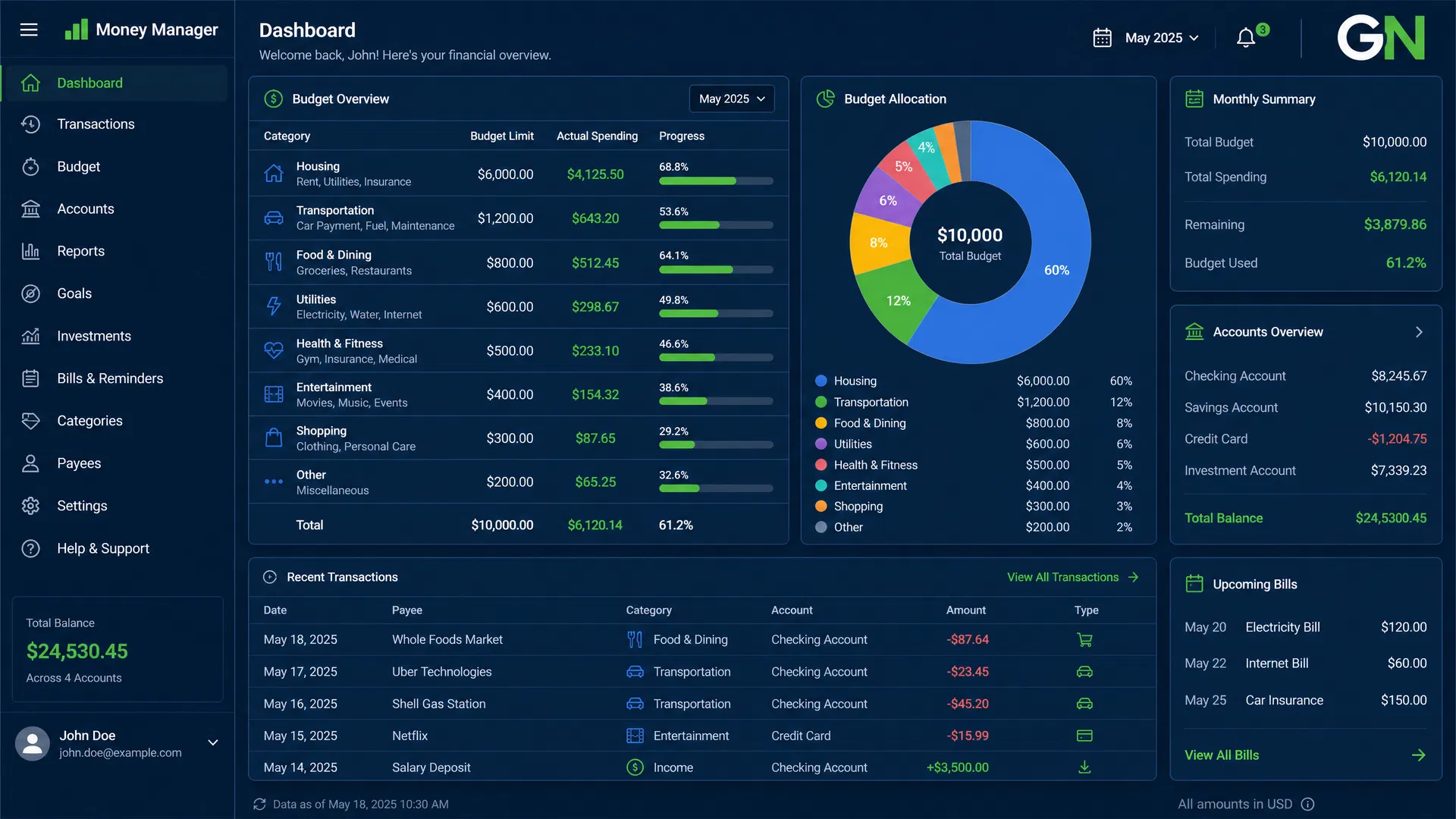
Everything you need to manage your money, track investments, and achieve your financial goals.
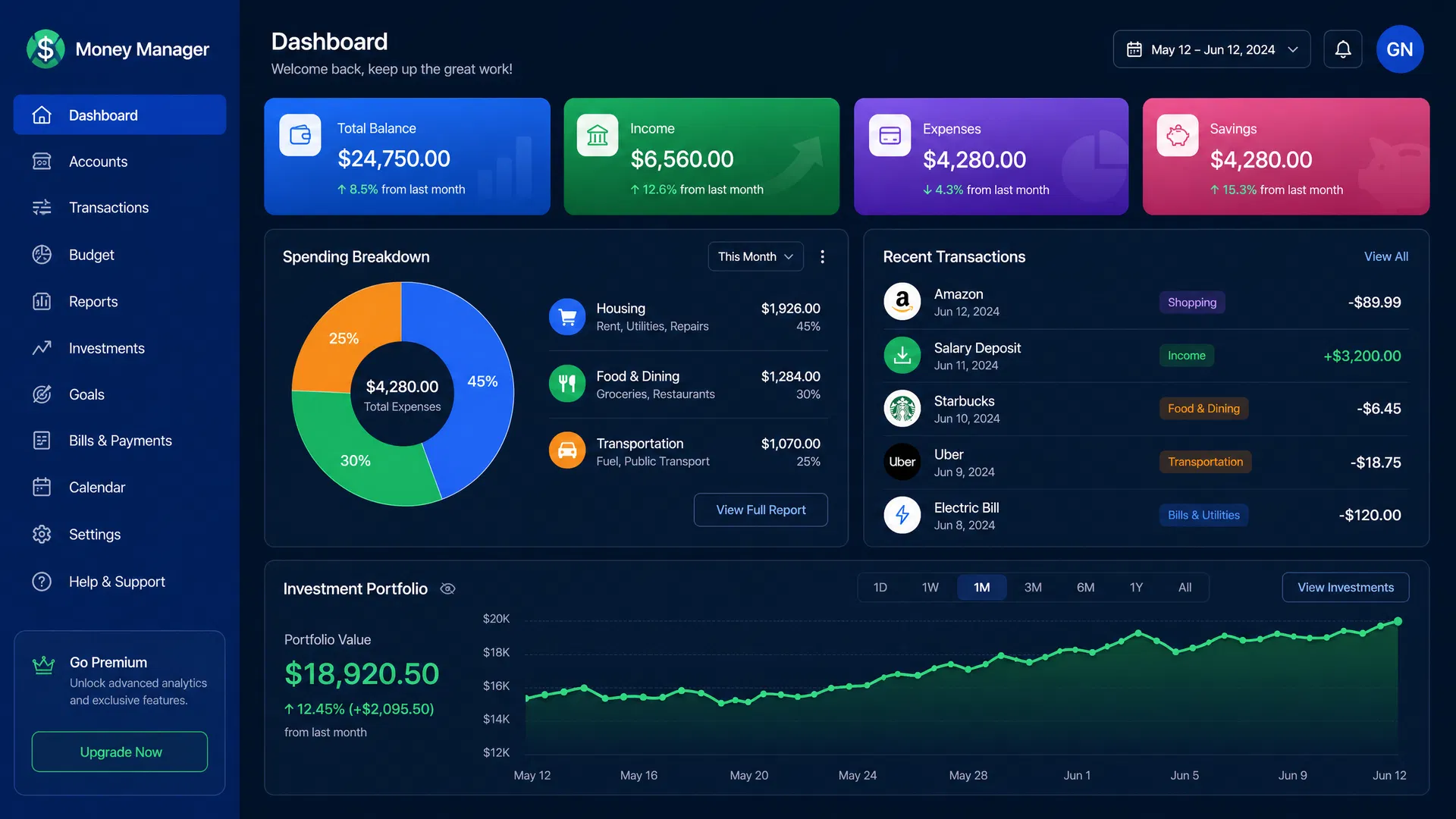
Get a complete overview of your finances at a glance. Track your balance, income, expenses, and savings with real-time updates and key metrics.
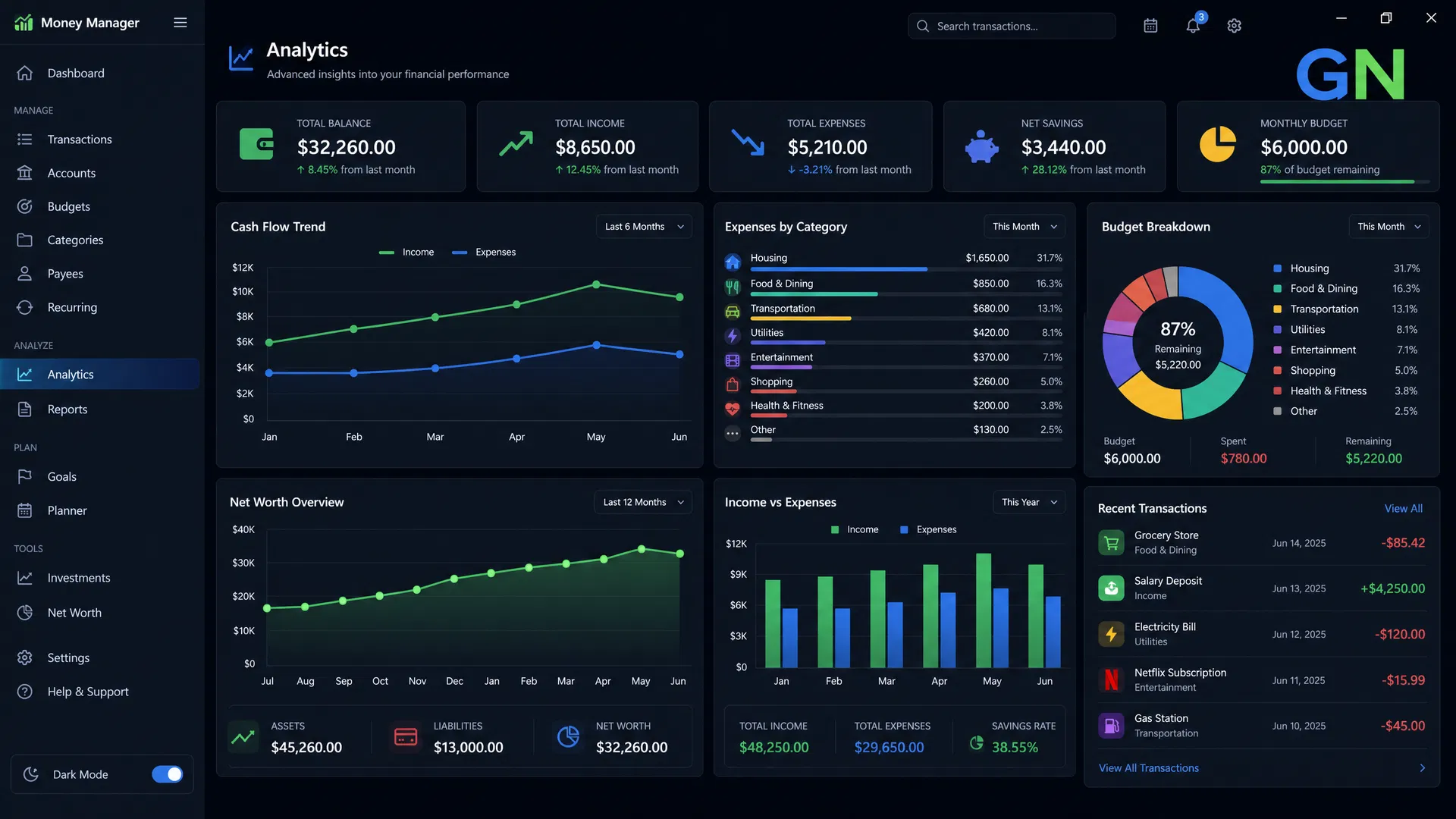
Visualize your spending patterns with enhanced data visualizations. Understand where your money goes with detailed charts and insights.
Meet Ted, your personal AI agent. Get personalized recommendations and financial insights in real-time. Your own ALADDIN COPILOT.
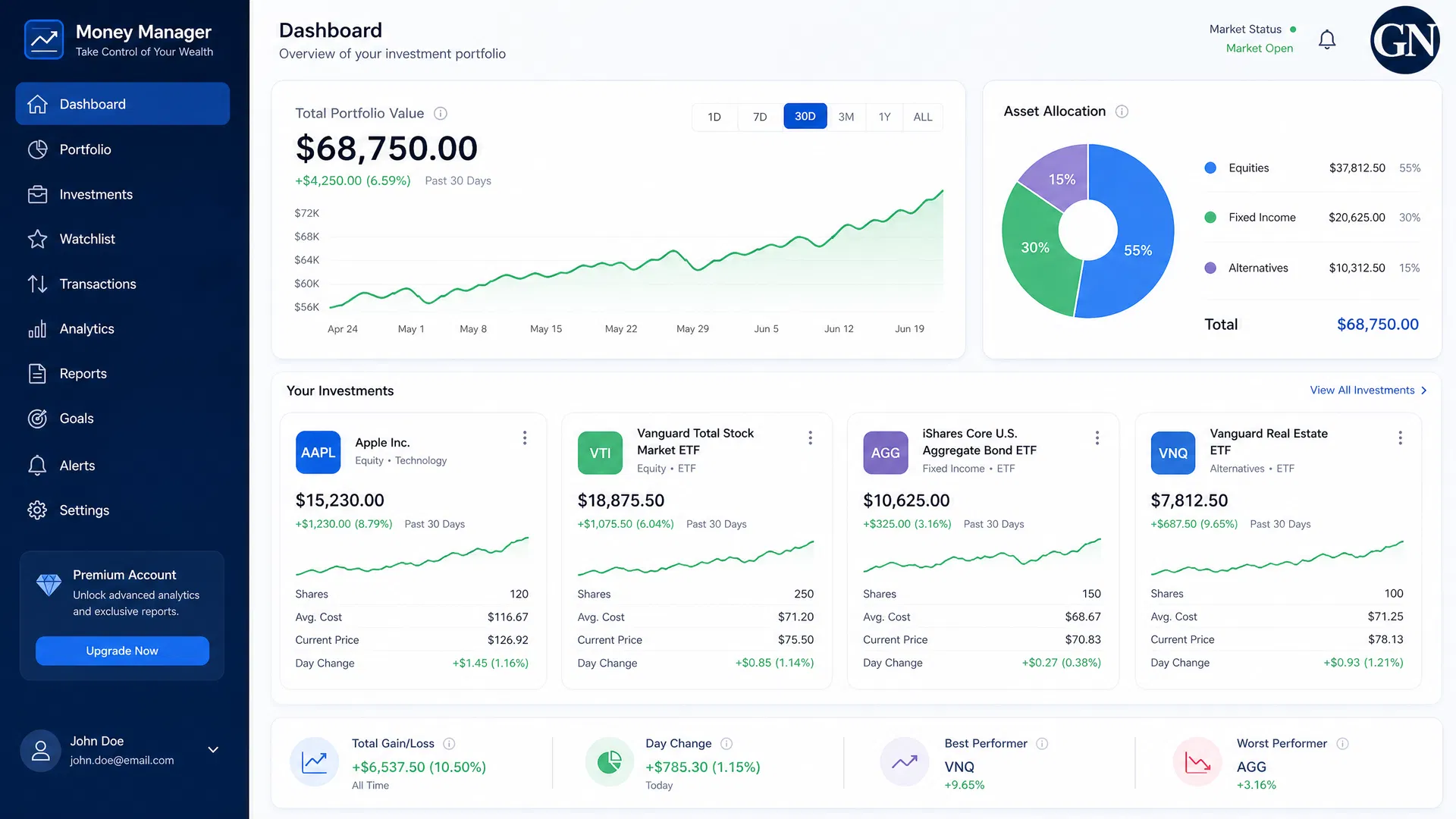
Monitor your portfolio performance with professional-grade double-entry bookkeeping. Track assets, investments, and real estate.
Get started in just 3 simple steps. Installation takes less than 2 minutes.
Click the download button below to get the Money Manager installer for Windows. The file is about 150MB.
Open the downloaded file and follow the installation wizard. Choose your installation location and click 'Install'.
Once installed, launch Money Manager from your desktop or start menu. Create your account and start managing your finances!
Join millions of users managing their finances smarter. Download Money Manager today and start your financial journey.